

WEB APPLICATION DEVELOPMENT
Custom web applications for business workflows.
Build CRM systems, portals, dashboards, approval flows, and internal tools that match how your company actually works.
01
Built for internal workflows and customer portals.
02
Supports roles, approvals, reports, and records.
03
Can be extended with AI and automation.
04
Useful for SMEs that outgrow spreadsheets.
BUSINESS PROBLEM
Standard software does not always fit the workflow.
Many companies use spreadsheets, chat groups, and disconnected tools because ready-made software cannot match their internal process properly.
01
Scattered records
Important customer, order, project, or document data is difficult to track.
02
Manual approvals
Requests move slowly when approval flow depends on messages and reminders.
03
Limited visibility
Managers cannot easily see status, workload, progress, or bottlenecks.
SOLUTION OVERVIEW
A web application designed around your process.
We help plan and build custom systems with the right user roles, data structure, dashboards, and business rules for your operation.
01
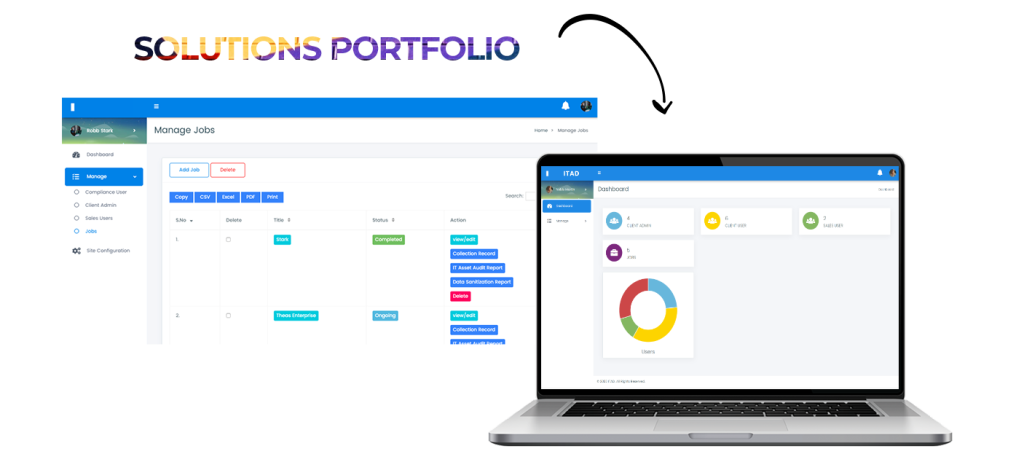
Business portal
Centralise records, requests, documents, tasks, and customer data in one system.
02
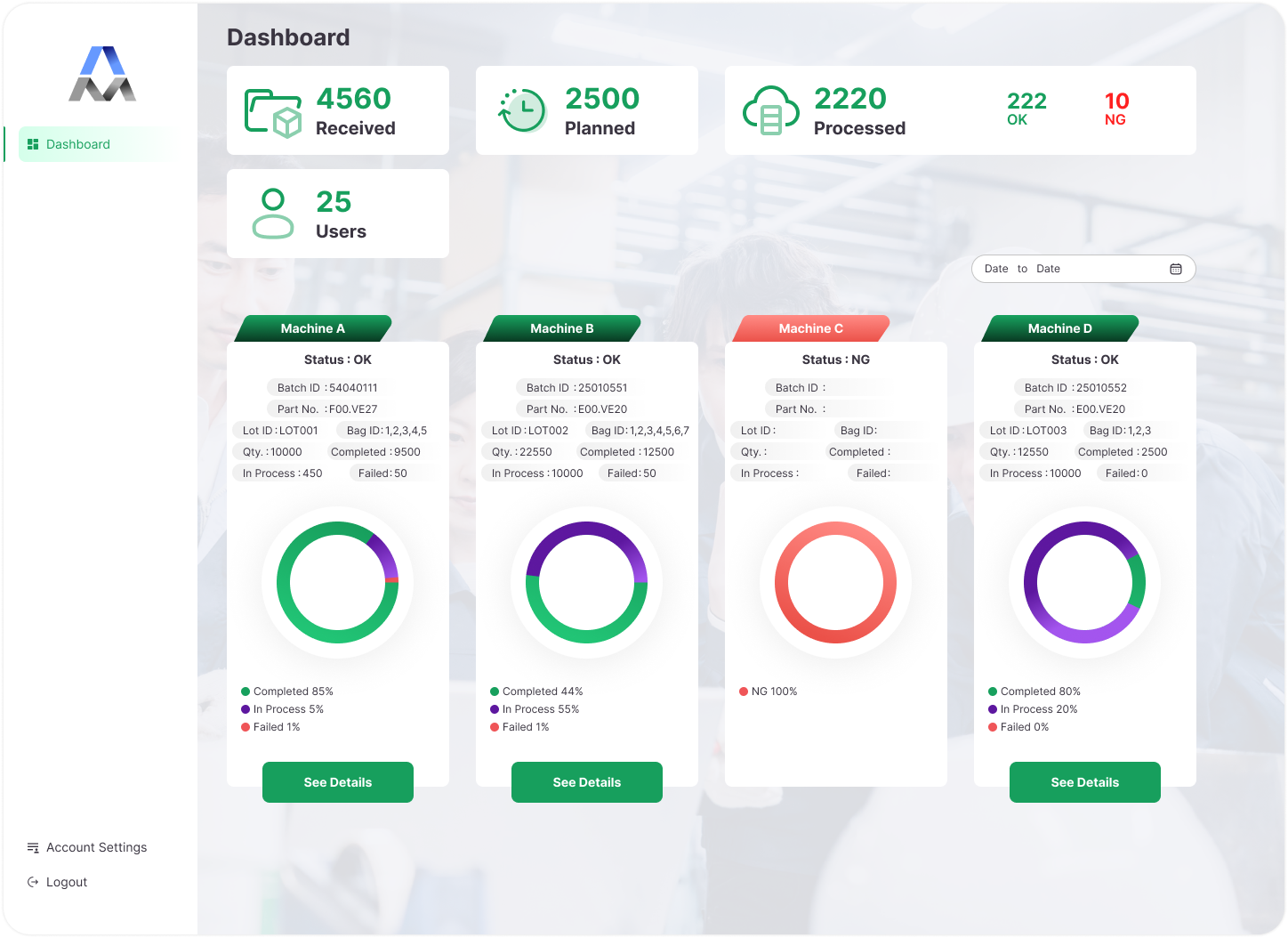
Workflow control
Add role-based access, approval steps, status tracking, and reminders.
03
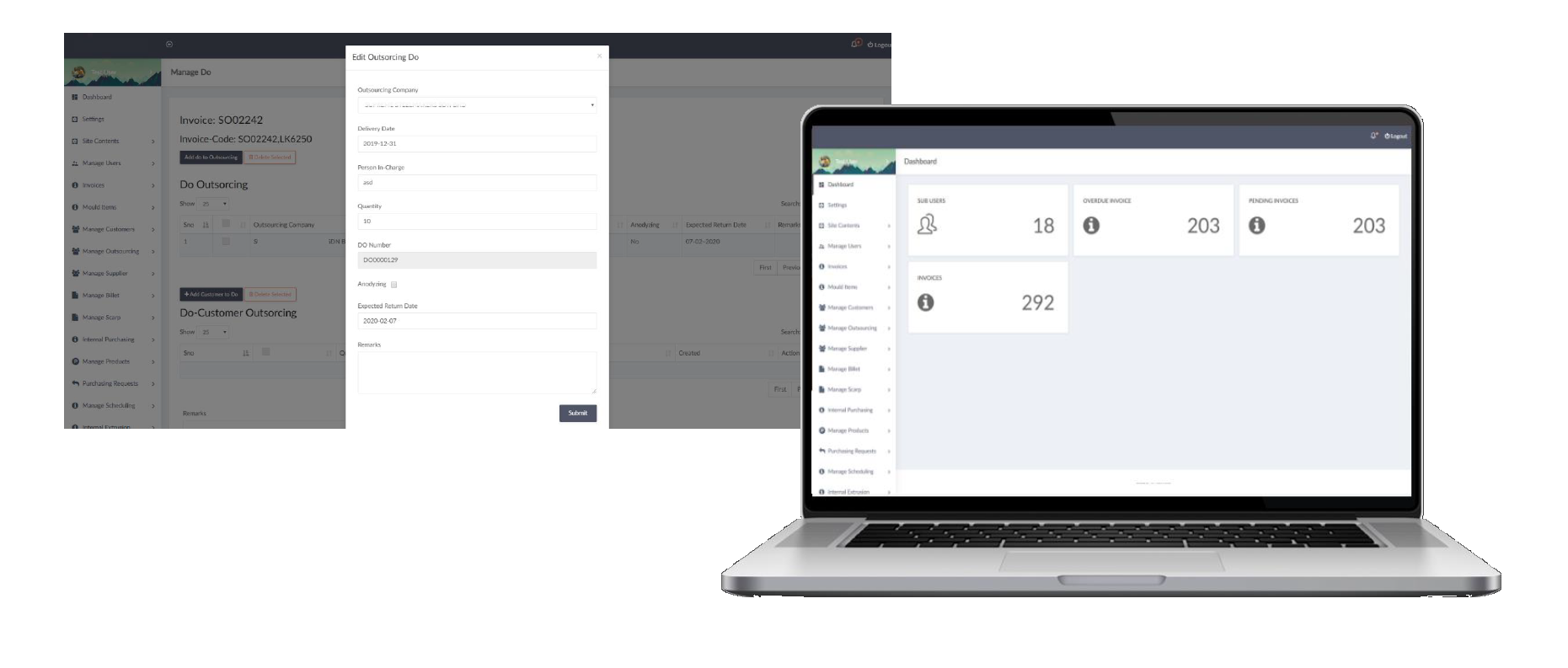
Reporting visibility
Turn daily activity into useful reports for managers and teams.
KEY FEATURES
Web application features.
The system can start simple, then grow module by module.
01
CRM systems
Manage leads, customers, follow-ups, and sales activity.
02
ERP-style portals
Support operations, inventory, projects, or internal processes.
03
Booking systems
Handle appointments, schedules, availability, and requests.
04
Document management
Store, organise, approve, and track document status.
05
Admin dashboards
Give teams a clear place to manage records and tasks.
06
Reports and approvals
Generate reports and support approval workflows.
USE CASES
Common web app use cases.
Custom systems are useful when your workflow has specific steps or data rules.
01
Sales CRM
Track leads, status, notes, and follow-up tasks.
02
Customer portal
Let customers view records, submit requests, or track progress.
03
Vendor portal
Manage vendor submissions, documents, and updates.
04
Internal approvals
Handle quotation, payment, document, or leave approval.
05
Inventory tracking
Monitor stock, movement, orders, and warehouse activity.
06
Management reporting
Turn daily records into clearer business visibility.
PROCESS
How we build web applications.
Planning matters because the system must fit the real operational flow.
01
Map the workflow
We understand users, data, screens, roles, and required actions.
02
Plan the MVP
We define the first version with essential modules only.
03
Build and test
We develop the system, test key workflows, and adjust details.
04
Launch and improve
After launch, the app can be refined with new reports, AI, or integrations.
FAQ
Web Application FAQ.
Common questions before building a custom business system.
Can users have different access rights?
Yes. We can create admin, manager, staff, customer, vendor, or auditor roles.
Can the system generate reports?
Yes. Reports can be built from the records and workflow data.
Can it work on mobile?
Yes. The interface can be responsive for phone and tablet usage.
Can we start with a simple version?
Yes. We usually recommend an MVP first.
Web applications support ADSM Tech’s AI direction because well-structured systems create cleaner data and better automation opportunities.
READY TO START?
Need a system that fits your workflow?
Share your current process with us and we can help define a practical first version.